
Communicating with clients and families
Message clients and their families through Teiro instead of a personal phone - one platform number, no numbers exchanged, and every message logged automatically.
Support workers and coordinators contact clients without exchanging personal mobile numbers. One platform number sits in the middle - the client texts it normally, staff work inside the Teiro app, and neither side sees the other's real number. Every message is logged to the client record the moment it sends or arrives.
If you haven't set this up for your organisation yet, start with Setting Up Client Messaging in Teiro - this article covers what the feature does and how the pieces fit together day to day.
Watch the walkthrough
 0:29
0:29Watch
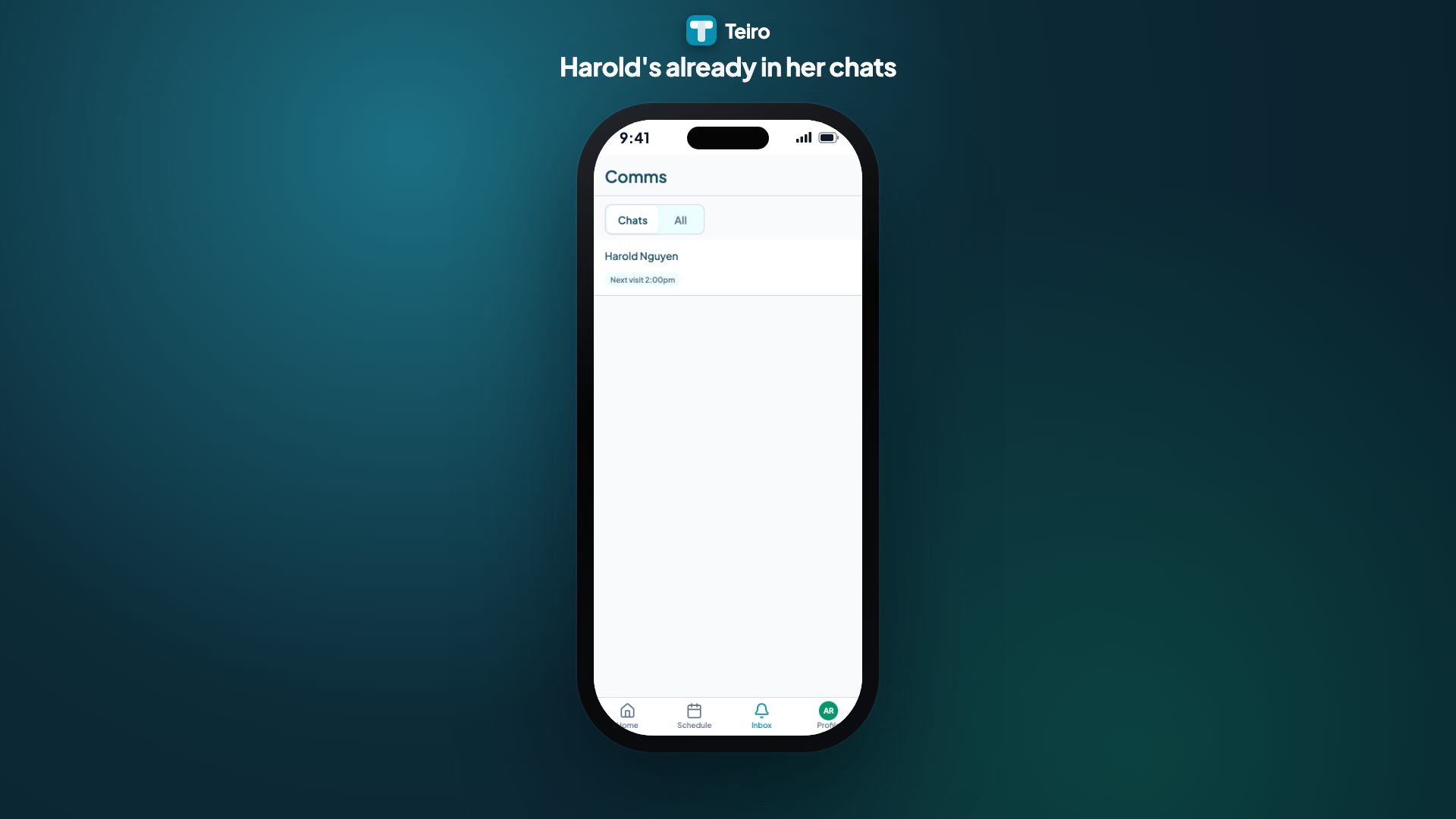
How a Support Worker Messages a Client in Teiro
A support worker running late messages the client from the app, without either phone number changing hands. The channel is already open because she is rostered on, the client replies by plain SMS, and she checks in on arrival.
Watch the walkthrough
Two ways a conversation starts
A coordinator can start a conversation directly from the client record - the paper-plane icon in the header opens a composer that picks a recipient (the client, or a recorded family member or representative) before a message can be typed. A support worker messages from inside their visit, once they're checked in or the visit is coming up, using the Comms action in the visit's action strip.
Either way, the conversation lands in the same thread on the client's record, and the same masking applies: the client's number is never shown to the carer, and the carer's own mobile is never part of the exchange at all.
Messaging a family member instead of the client
Not every client can or should be the one holding the phone. When a coordinator starts a conversation, the recipient picker lists the client's recorded family members and representatives alongside the client themselves, so the right person is chosen up front rather than guessed at.
Scoped to day-of contact, not an open line
This channel is for day-of logistics - running late, door codes, access - not general chat. It opens around an active or upcoming visit and closes once the assignment ends, so it never becomes a standing line between one carer and one client. Outside that window, a client texting in gets an automatic reply pointing them to your organisation's on-call number, not silence into an unwatched channel. Teiro does not route to emergency services; what your team does in a genuine emergency stays in your organisation's own protocol.
The client's phone number stays masked, even on their own record
A client's phone number is masked by default wherever it's displayed - something like 04** *** 678 - even for staff who already have full access to the record. Revealing it is a deliberate action: a warning appears first, and revealing it creates its own entry in the record's audit log. This encourages routine contact to go through the logged messaging channel rather than the number being copied out somewhere else.
Communication history
Every message - day-of contact SMS, a coordinator's message to a family contact, a call log note, or a team broadcast - is logged automatically against the client record, with timestamps and delivery status. If a family member calls your office, a coordinator can open the record and see exactly what's been sent and received, without having to reconstruct it from anyone's phone.
Opting out
A client, or their nominated contact, can reply STOP to end messaging on their conversation at any time. Teiro locks the composer and records when it happened; replying START re-enables it.
Related articles
Setting up client messaging in Teiro
Get client messaging running for your organisation - no personal phones, one platform number, and every message logged to the client record automatically.
Sending SMS and email from Teiro
Reach carers and clients via SMS or email directly from the Teiro communications hub.
Activity feed and call logs
A single timeline of all communications with each carer and customer.