
How to Find Teiro on Google Play
Step-by-step instructions for downloading the Teiro care workforce app on Android. Find it, install it, and log in to your organisation account.
Downloading Teiro on Android
The Teiro care workforce app is available on Google Play for Android phones and tablets. Here is how to find it and get set up.
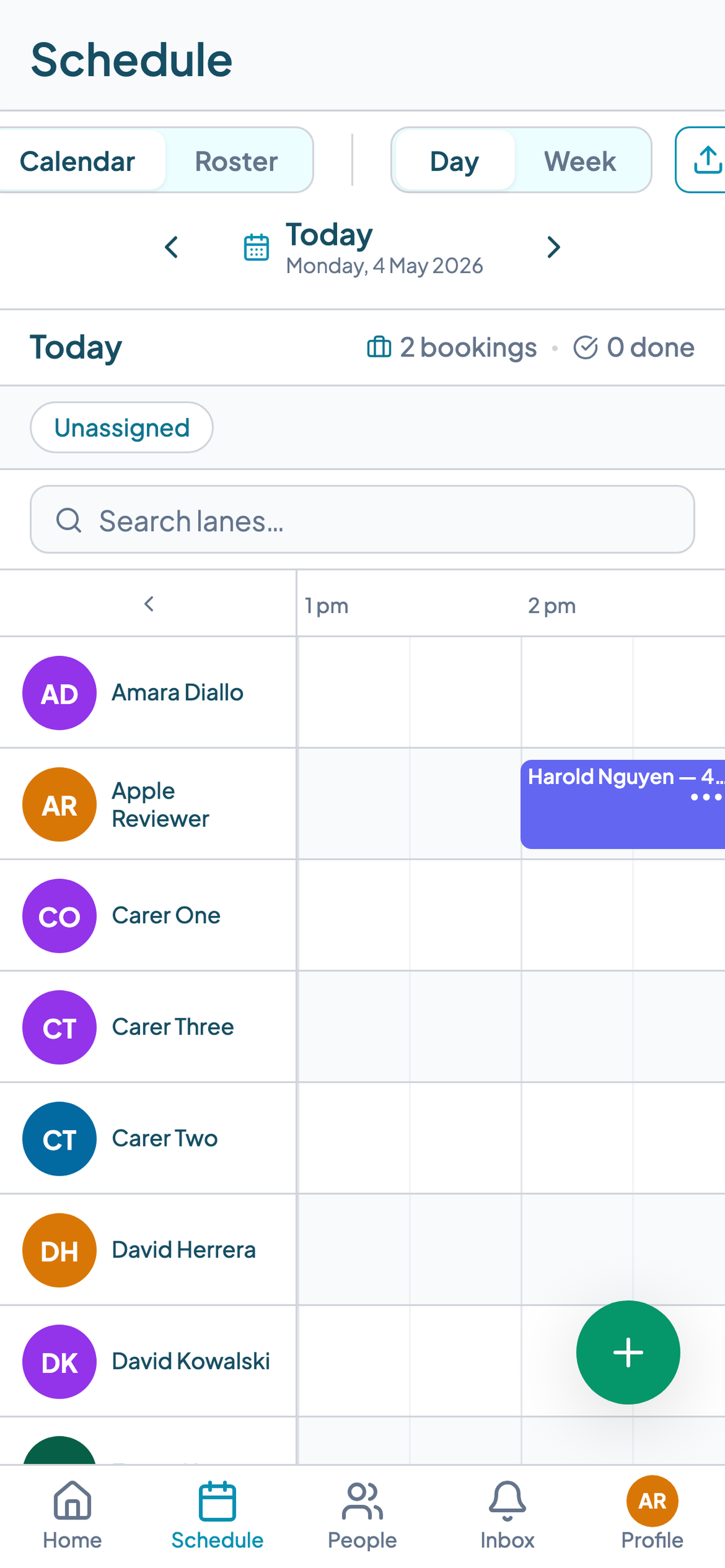
Step 1 — Open Google Play
On your Android device, tap the Google Play icon (the coloured triangle). If you cannot find it, swipe down to open your app drawer and search for "Play Store".
Step 2 — Search for Teiro
Tap the search bar at the top of the screen. Type Teiro and tap the search icon or press Enter on the keyboard.
The Teiro app will appear in the results. Look for Teiro: Care Workforce App with the Teiro logo.
Step 3 — Tap Install
Tap the Install button on the Teiro listing. The app will download and install automatically. You may be asked to accept permissions — tap Accept to continue.
Step 4 — Open the app and log in
Once installed, tap Open or find the Teiro icon in your app drawer. On the login screen, enter the email address and password your coordinator or organisation administrator set up for you.
If you do not have login details, contact the person who manages your organisation's Teiro account. They can create your account from the Teiro web platform.
Step 5 — Select your organisation
If your account is connected to more than one organisation, you will be asked to select which one. Tap your organisation name to proceed.
You will land on your home screen showing today's shifts and any pending notifications.
Minimum Android version
Teiro requires Android 9 (Pie) or later. To check your Android version, go to Settings > About phone > Android version. If your version is below 9, the app may not be available in search results on your device.
Troubleshooting
Teiro does not appear in search results. Check the spelling: T-E-I-R-O. The full name is "Teiro: Care Workforce App". If your device runs Android 8 or earlier, the app will not be compatible. Teiro is currently available in Australia only — if your Google Play account is registered to another country it may not appear.
The Install button is greyed out. Your device may not have enough storage. Go to Settings > Storage to check available space. You may need to delete apps or files before installing.
I cannot log in. Confirm your email and password are correct. If you have forgotten your password, tap Forgot password on the login screen. Your organisation's Teiro administrator can also reset your account from the web platform.
I can log in but cannot see any shifts. Check with your coordinator that your account is active and that shifts have been assigned to you. Newly created accounts may take a moment to sync.
iPhone and iPad users
If you are on an Apple device, see How to Find Teiro on the App Store for the equivalent steps.
Once you are in, the next step is checking your schedule. See How to View Your Roster in the Teiro App to get oriented.
To learn about the full platform, book a demo at teiro.com.au/demo or book a demo.