
How Support Workers Message Clients Without Sharing Phone Numbers
The practical walkthrough: who can start a conversation, what a client sees on their own phone, and what happens when a message cannot send, all without a support worker or a client handing over their personal number.
A support worker messages a client from inside the Teiro app, never from their own number. Being rostered onto a visit opens the channel automatically, and the client receives an ordinary SMS from Teiro's one Australian platform number, with nothing to install. Neither side's personal number is exposed, and every message is recorded on the client's record.
The problem support workers run into every day
A support worker is running ten minutes late, or needs to check a door code, or a client's daughter wants to know when someone is arriving. The office is the "correct" channel, but calling means waiting on hold. Texting the client, or the client's family member, from a personal phone takes seconds -- and once that number is saved, it tends to stay there for every visit after this one.
That is how a personal mobile ends up carrying real client contact, in both directions. The client, or a participant's family, gets a support worker's private number. The support worker gets the client's. Neither exchange is written down anywhere the organisation can see, and neither goes away when the worker moves on or leaves.
This guide is the practical version: how a support worker actually messages a client in Teiro without either number changing hands, what the client sees on their own phone, and what happens when a message cannot send. For the case for doing this at all, see Carer-Participant Contact Without Personal Devices. For the feature in full, see Message Clients Without Personal Phones. For getting it turned on for your organisation, see Setting Up Client Messaging in Teiro. Messaging sits on the same visit screen as checking in and out -- see how a support worker checks in and out of a job for the rest of that screen.
 0:29
0:29Watch
How a Support Worker Messages a Client in Teiro
A support worker running late messages the client from the app, without either phone number changing hands. The channel is already open because she is rostered on, the client replies by plain SMS, and she checks in on arrival.
Watch the walkthrough
The roster opens the channel, not the support worker
This is the part that trips people up first: a support worker never gets a blank compose box to type a client's number into. There is not one.
A conversation comes into existence in one of two ways:
- Rostering opens it automatically. The moment a support worker is assigned to a visit, the channel to that client opens for them. Nobody has to remember to set it up. If the visit is reassigned, it closes for the old worker and opens for the new one.
- A coordinator opens one deliberately from the client's record, picking a recipient (the client, or a recorded family member or representative) and sending the first message.
So the everyday case needs no coordinator involvement at all. A support worker running twenty minutes late for this afternoon's visit opens their messages, and the client is already there, because they are rostered on. They tap and type.
What a support worker cannot do is start a conversation with a client they are not assigned to. That is deliberate rather than an oversight: contact should follow the roster, so a channel exists while there is a reason for it to exist and closes when there is not.
The support worker's message list stays small on purpose
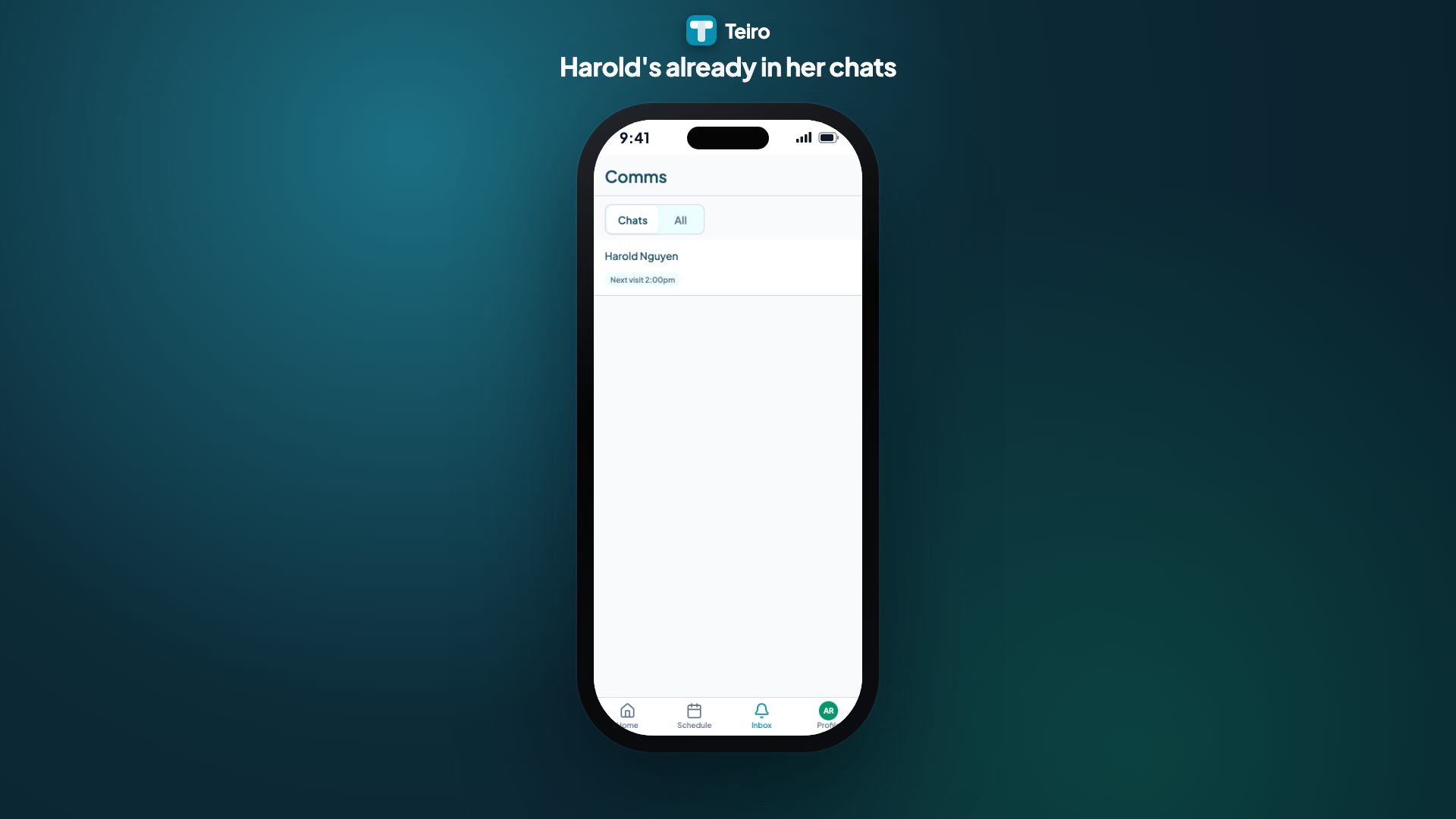
A support worker's messaging screen is not a contact book, and it is built not to become one. It shows only the client, or two, tied to today's visits or a visit that finished recently, each row carrying a status like "Visit in progress" or "Next visit 2:00pm."
Once a visit drops out of that recent window, the row disappears. A support worker who worked with a client six weeks ago does not have a standing line to message them today. That is not a limitation to work around, it is how the channel stays scoped to current work instead of turning into a permanent way to reach every client a worker has ever visited.
What the client sees: a normal text, nothing to install
The client's side is deliberately unremarkable. They get an ordinary SMS and reply to it the same way they would reply to anyone. No app, no login, no account.
The organisation's name goes in the message itself ("it's Sarah from Sunrise Home Care"), because everyone on the platform texts from the same one Australian number rather than a number issued per organisation or per support worker. A support worker's staff-side messages carry their avatar; a client's messages never do, a small visual reminder of who is inside the system and who is simply texting.
The first time a client, or their family contact, is messaged, and every time after, the top of the conversation carries a plain disclosure: "Messages here are recorded and reviewable by your organisation. This channel closes automatically when the assignment ends." That line does double duty as the consent both sides are relying on. There is no separate form to sign.
What "no personal number" actually means underneath
There is no dedicated masked number issued per support worker or per client behind the scenes. The mechanism is simpler than that: a support worker's real mobile is never part of the exchange at all. They read and reply from inside the app, not from their own messaging app, so there is no number of theirs to expose in the first place. The client's real number is what routes their reply to the right conversation, but a support worker never sees it.
The one place a client's real number legitimately lives is their own record, and even there it is masked by default, for every viewer, coordinators and admins included. It shows as something like 04** *** 678. Revealing it takes a deliberate tap, a warning that the action is recorded, and creates its own entry in the client's audit log. Nobody is blocked from seeing it if they genuinely need to; the friction exists so routine contact happens through the logged channel instead of a number getting copied out somewhere else.
What happens if a message cannot send
Every outbound message carries its own delivery status: queued, sending, sent, delivered, or failed. A message that fails stays visible in the conversation with its own Retry button, rather than disappearing back into the compose box.
Poor mobile signal during a visit is treated as the normal case, not an edge case. Sending while offline queues the message, and queued messages send in the order they were written once a connection comes back. That matters more than it sounds: a "running late" followed by "no worries, door's open" needs to arrive in that order, not whichever order the network happens to deliver them in.
What keeps the channel closed when it should be
A handful of controls sit underneath the day-to-day flow above:
- The channel is scoped to the visit. It is open around an active or upcoming visit and closes automatically once the assignment ends. It never becomes an always-on line between one support worker and one client.
- An unread message does not sit silently. If a client's message goes unread for around 10 minutes, the assigned support worker gets a nudge on their own phone; if it is still unread about 5 minutes after that, the on-call coordinator sees it too. Opening the conversation clears both stages. There is no "mark as read" button, and the clock only runs while the support worker is checked in for a shift.
- A reply can still land after the visit ends. If a client texts back within around 12 hours of the last staff message, it is still matched to that conversation rather than treated as a stray text with nowhere to go.
- STOP and START are honoured. A client who replies STOP locks the conversation until they reply START, in line with how SMS opt-out works across Australia.
- There is an organisation-wide off switch. A governance lead can turn the whole channel off for the organisation if they ever need to.
- Messages cannot be deleted. Neither a support worker nor a client can remove a message once it is sent, and a support worker taken off a client's care team loses access to that thread rather than keeping their own copy of it.
None of this routes to emergency services. If a client texts outside the visit window, or a genuine emergency happens, that stays the organisation's own on-call protocol. The automatic reply only ever points to the organisation's on-call number, and never implies a support worker will see it.
For a family member instead of the client
Plenty of clients cannot text, or should not be the one relied on to pass on something important. When a coordinator opens a conversation from the client's record, they choose the recipient first: the client themselves, or a recorded family member or representative. Whoever actually replies, the conversation still sits on the client's own record.
Frequently asked questions
Can a support worker text a client from their own phone through Teiro?
No, and that is the point. A support worker never sends from their own number. They message from inside the app during a visit, and the client receives an ordinary SMS from Teiro's one platform number. Neither side's personal mobile is ever part of the exchange.
Can a support worker start a new conversation with a client?
Not with a client they are not assigned to, and they never get a blank compose box to type a number into. But they do not need anyone to set anything up for the clients they are rostered on: being assigned to a visit opens the channel automatically, so the client is already waiting in their list. What the restriction prevents is a support worker contacting someone outside their roster.
Does the client need to install anything?
No. A client, or their family contact, receives and replies to a normal text message. There is no app to install and nothing to log into on their side.
What happens if a support worker sends a message with no signal?
It is queued rather than lost, and sends automatically once the connection returns, in the order it was written. Messages sent while offline do not arrive out of order.
Can our organisation see every message that is sent?
Yes. Every message, whichever side sent it, lands on the client's own record automatically, with a delivery status. There is no separate step to log it after the fact.
Ready to see it running against your own client list? Book a demo or start free for up to five active users.